An AI-assisted Kubernetes
cockpit you run yourself
One binary. Your kubeconfig. Your choice of model — local or hosted. No server to deploy, no database, no account.
Apache-2.0 · macOS, Linux, Windows · works with any cluster kubectl can reach
What it does
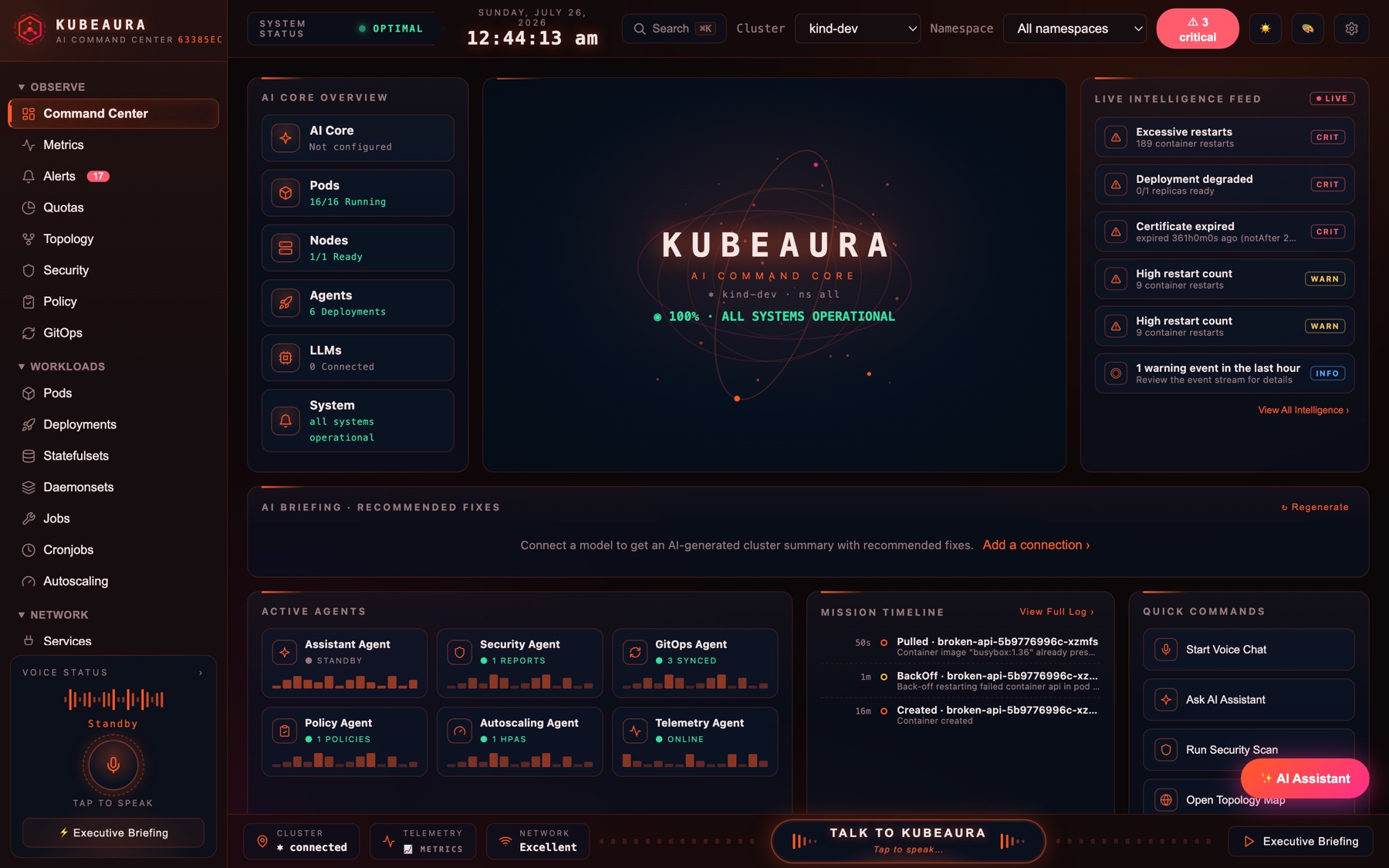
A full operator cockpit in the spirit of k9s, Lens, and Headlamp — with an assistant that actually knows your cluster.
Bring your own model
Anthropic, Ollama, or any OpenAI-compatible server. Run a local model and nothing ever leaves your machine.
Triage, not dashboards
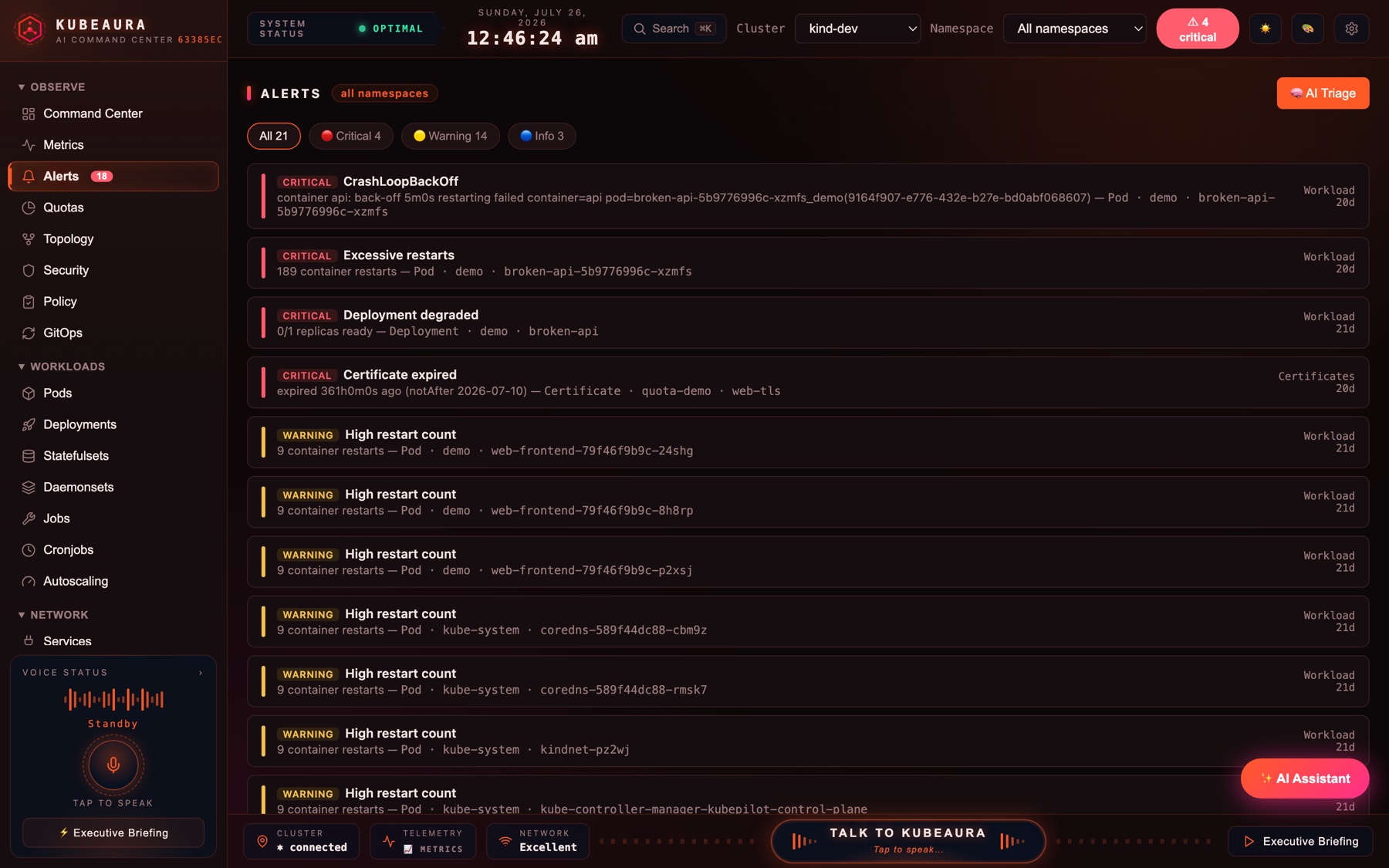
Crashloops, OOMKills, restart storms, degraded workloads, expiring certificates — one prioritised list.
Live topology
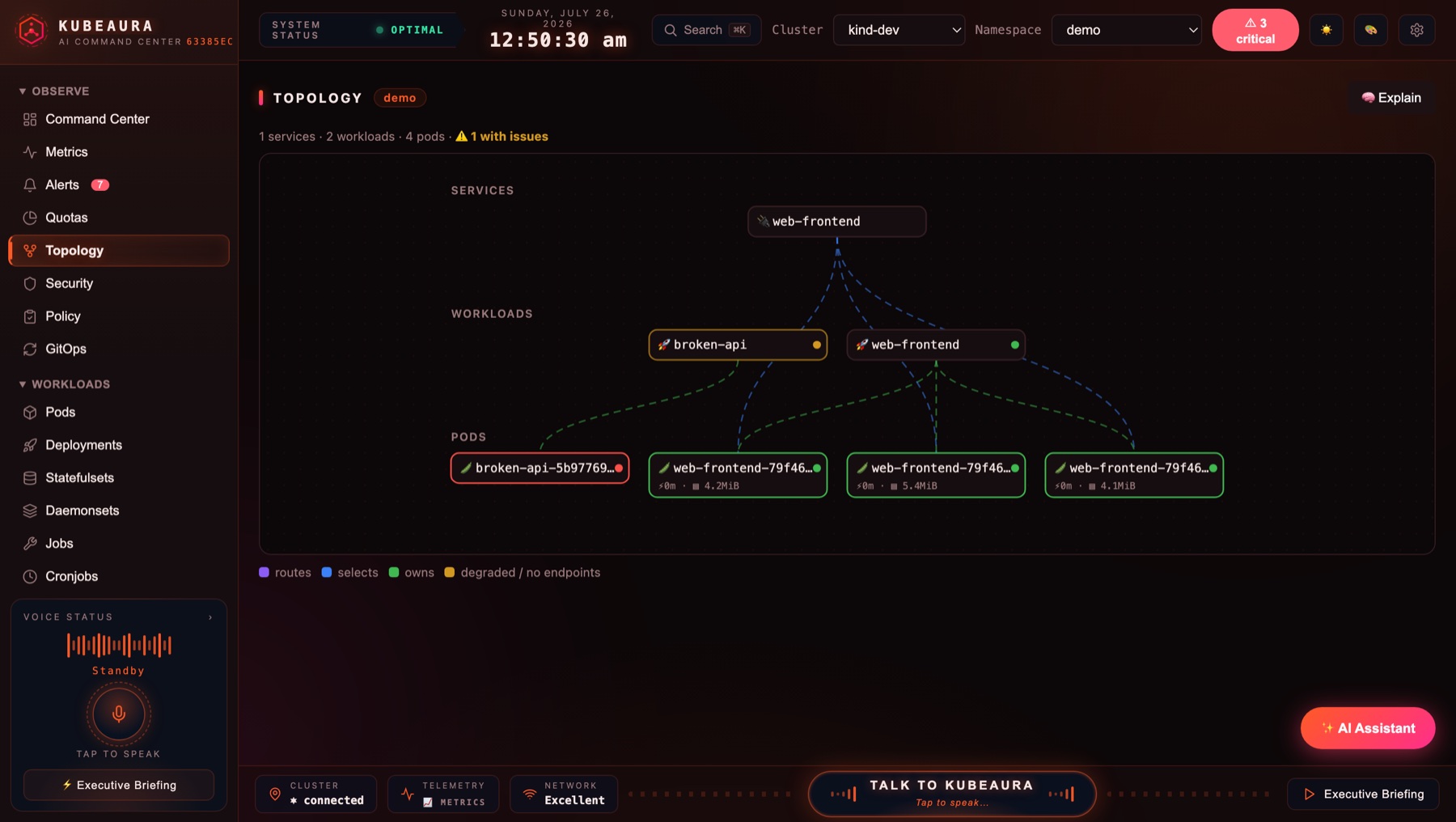
Ingress → Service → Workload → Pod, with replica health and NoEndpoints detection.
Detect, don't install
Lights up Trivy, Kyverno/OPA, Argo CD, Flux, KEDA, and cert-manager when their CRDs exist. Degrades quietly when they don't.
Your RBAC is the boundary
It acts as your kubeconfig credential and nothing more. Actions you can't perform are greyed out.
Desktop or browser
The same binary opens as a native desktop window on macOS, Windows, and Linux. No Electron.
See it working
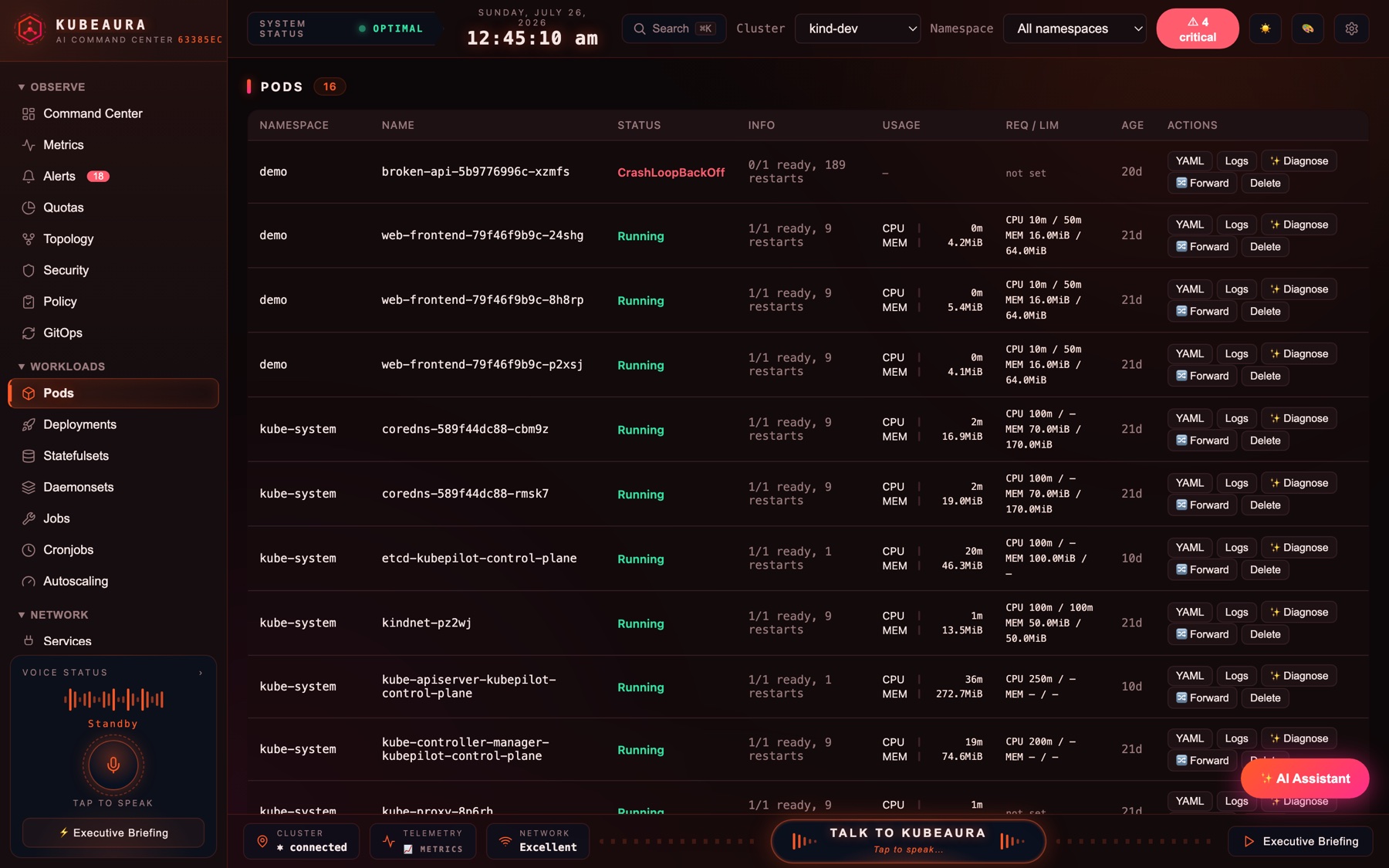
Real screenshots from a running cluster — no mockups.
Also in the box
Metrics heatmaps · namespace quota dashboards · live log streaming with regex filters · pod exec · YAML diff-apply · port-forward tracker · an audit trail of every write · a ⌘K omnibox · and a voice mode that answers out loud.
Install
Pick one. Every release ships checksums, and the script verifies them for you.
# macOS / Linux — download, verify, install
$ curl -sSfL https://raw.githubusercontent.com/devganeshg/kubeaura/main/scripts/install.sh | sh

# With Go installed
$ go install github.com/devganeshg/kubeaura/cmd/kubeaura@latest

# Container
$ docker run --rm -p 7654:7654 -v ~/.kube:/home/nonroot/.kube:ro ghcr.io/devganeshg/kubeaura
#   (remote clusters; for kind/minikube run the binary directly)

# Windows: grab the .zip from the releases page
# Then just run it — it reads your current kube context
$ kubeaura
$ kubeaura --desktop        # native window
$ kubeaura config init      # optional: a commented config file
A note on how it's exposed
KubeAura has no login of its own — it is meant for one person on their own machine.
It binds 127.0.0.1 by default and refuses cross-origin and DNS-rebinding
requests, so a web page you visit can't drive your cluster behind your back.
Sharing an instance with a team changes that completely. The in-cluster manifests ship read-only, with no Secrets access, and expect you to authenticate the ingress. Read the threat model →